FFXIV Graphics testing (updating)

Post Reply
Message
Author
User avatar
Kirakun
Angry Taru
Posts: 5150
Joined: Wed 1969 Dec 31 19:00 EST
Location: New York City

FFXIV Graphics testing (updating)

#1 Post by Kirakun »

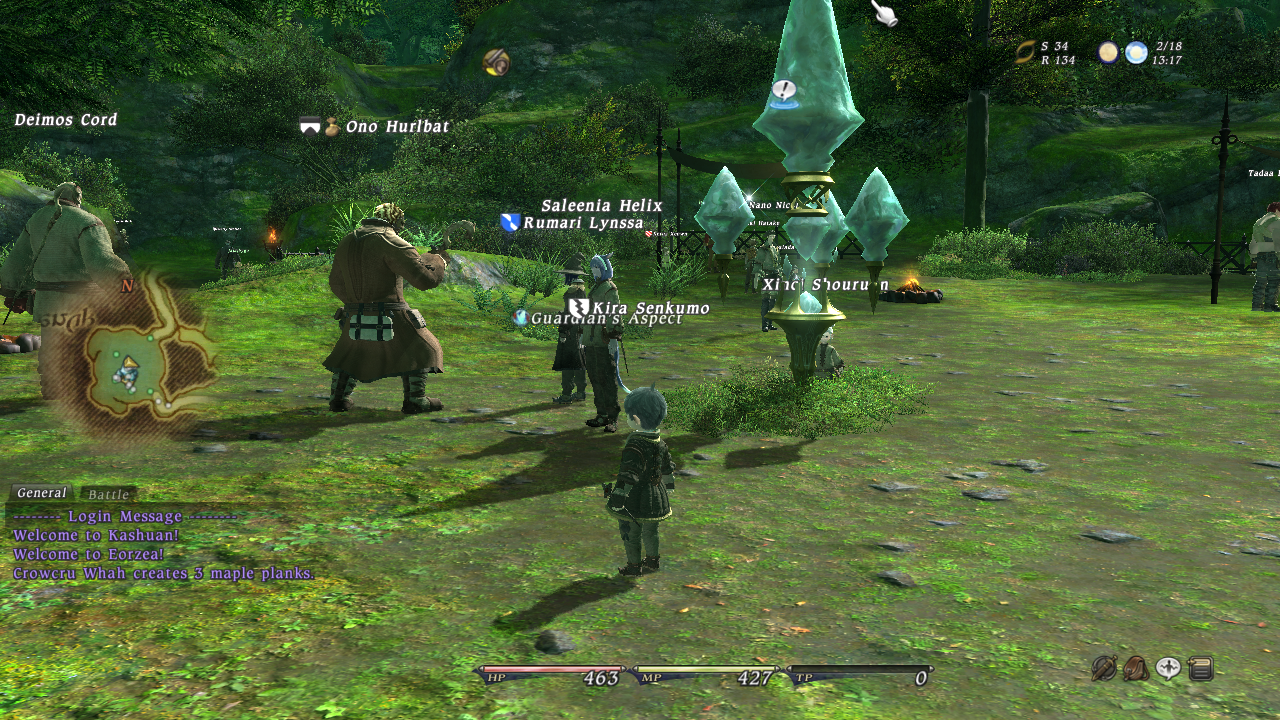
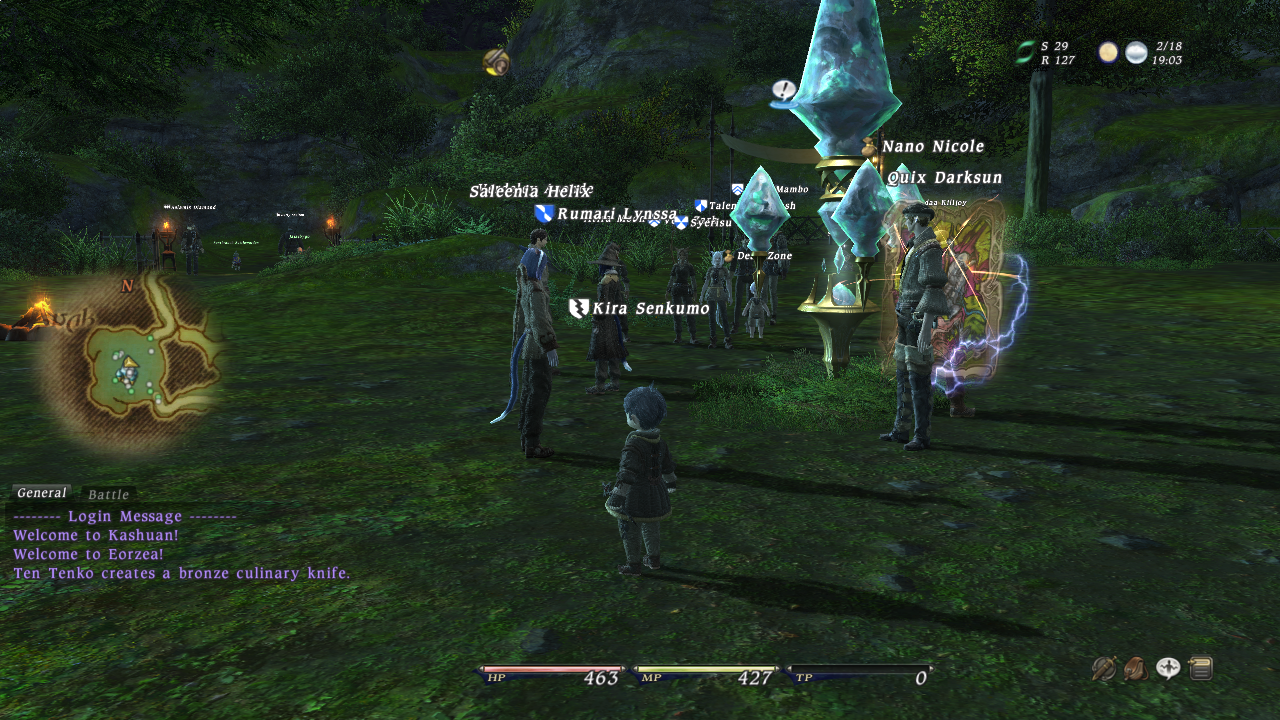
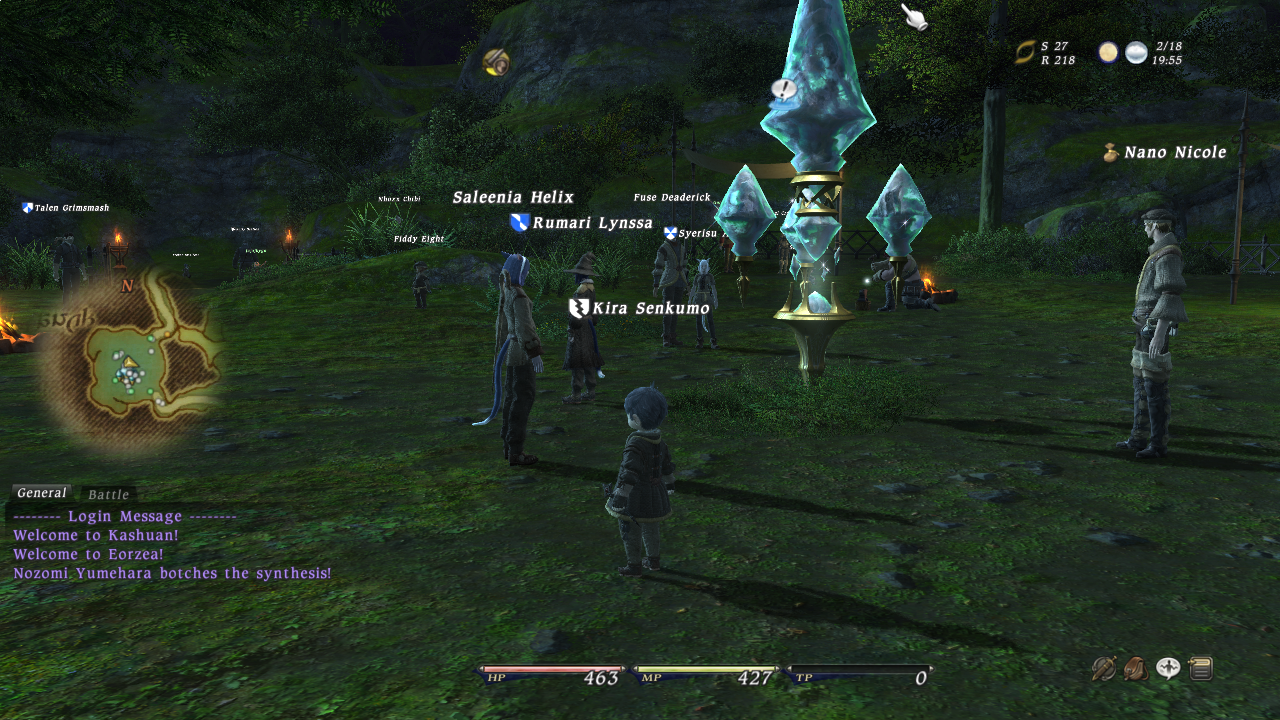
1280x720
Buffer Size: Resolution
Shadow Detail: Standard
No AA
1. Texture Filtering: Lowest
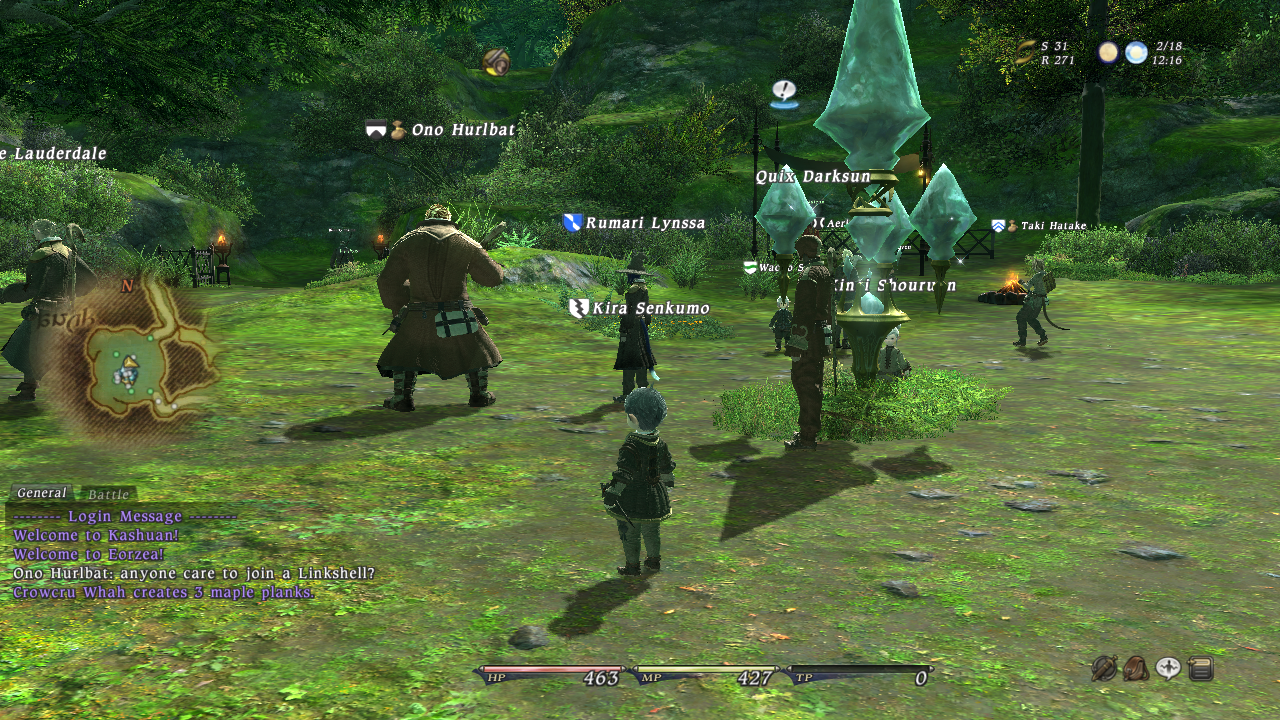
Image

2. Texture Filtering: Highest
Image

3. Texture Filtering: Highest Ambient Occlusion: O
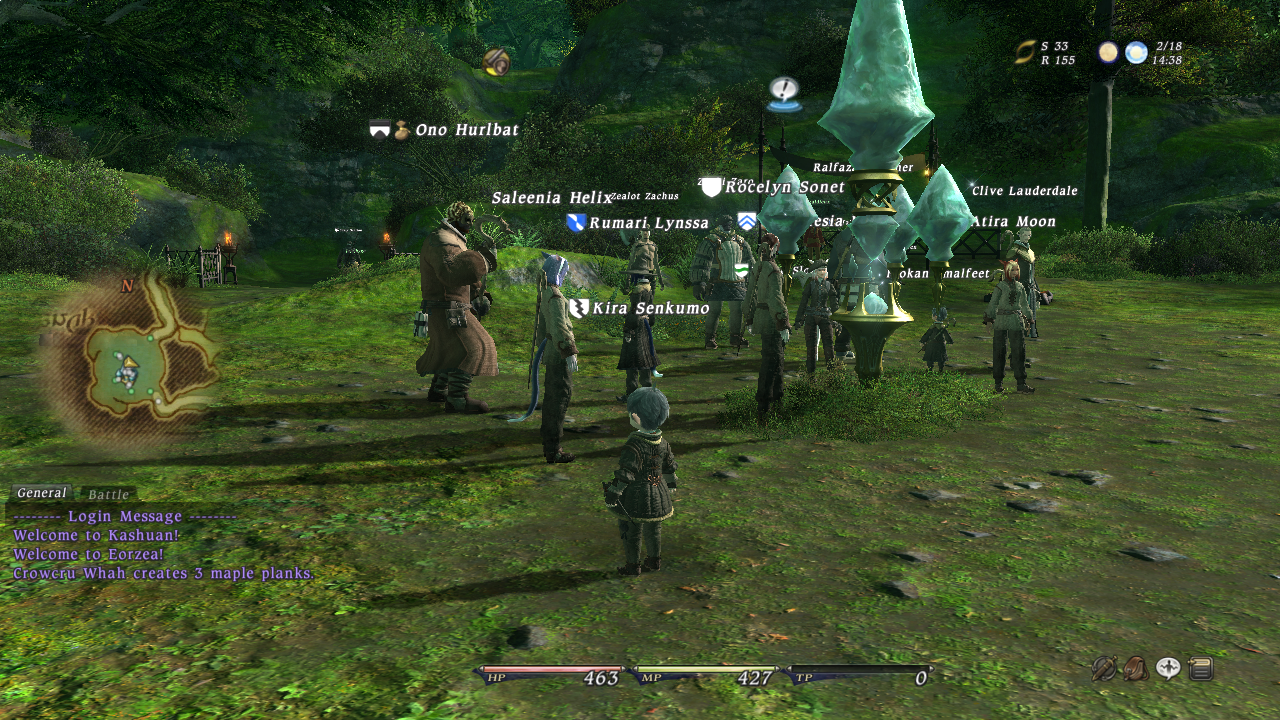
Image

4. Texture Filtering: Lowest Ambient Occlusion: O
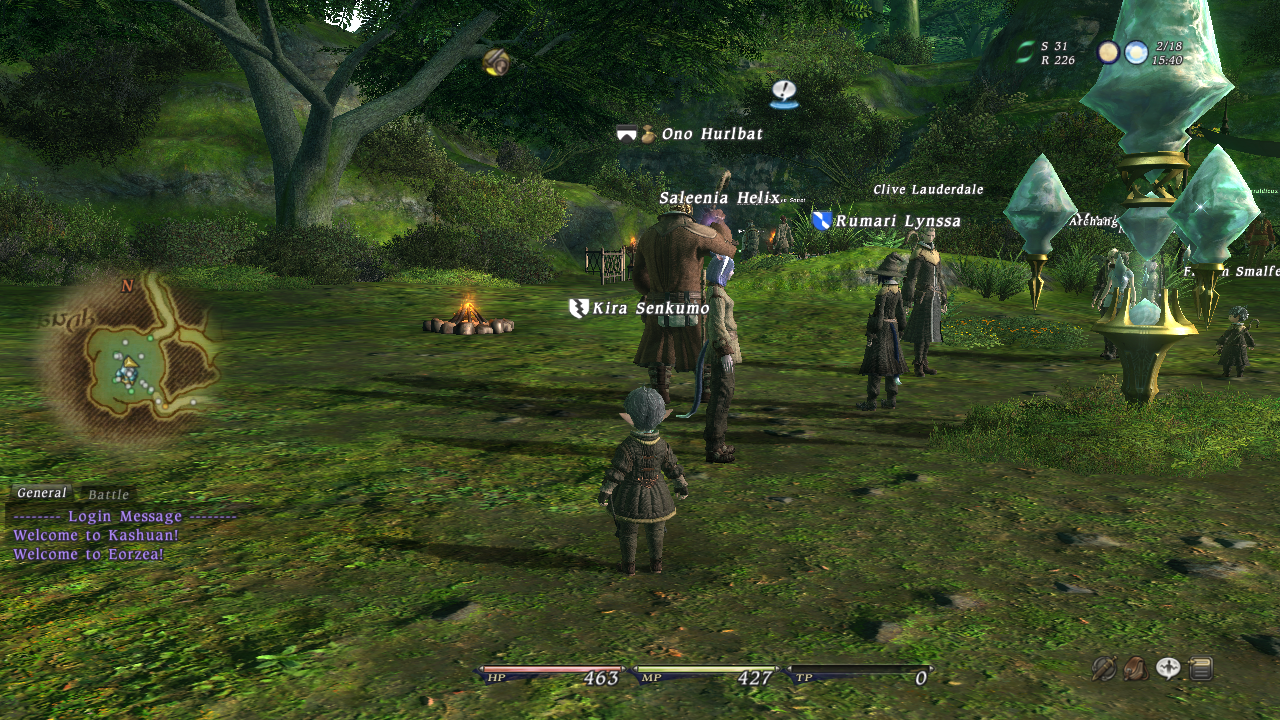
Image

AA: 4x
1. Texture Filtering: Lowest
Image

2. Texture Filtering: Highest
Image

3. Texture Filtering: Highest Ambient Occlusion: O
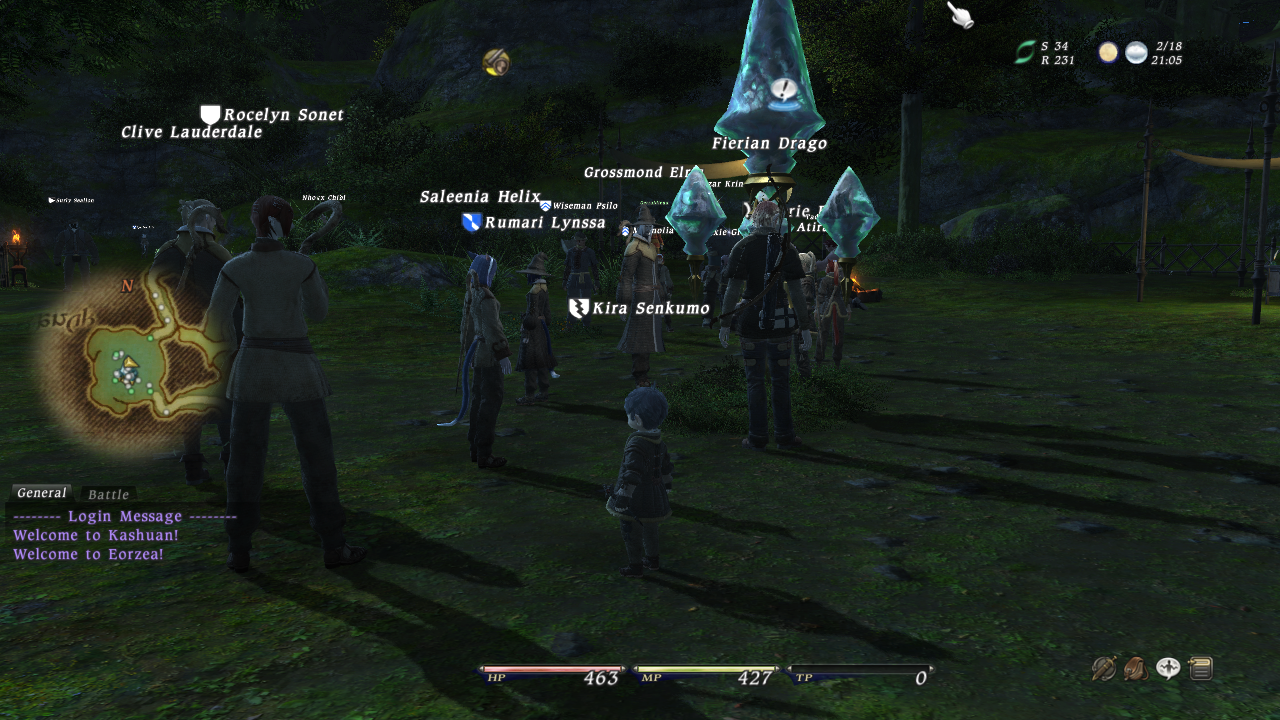
Image

4. Texture Filtering: Lowest Ambient Occlusion: O
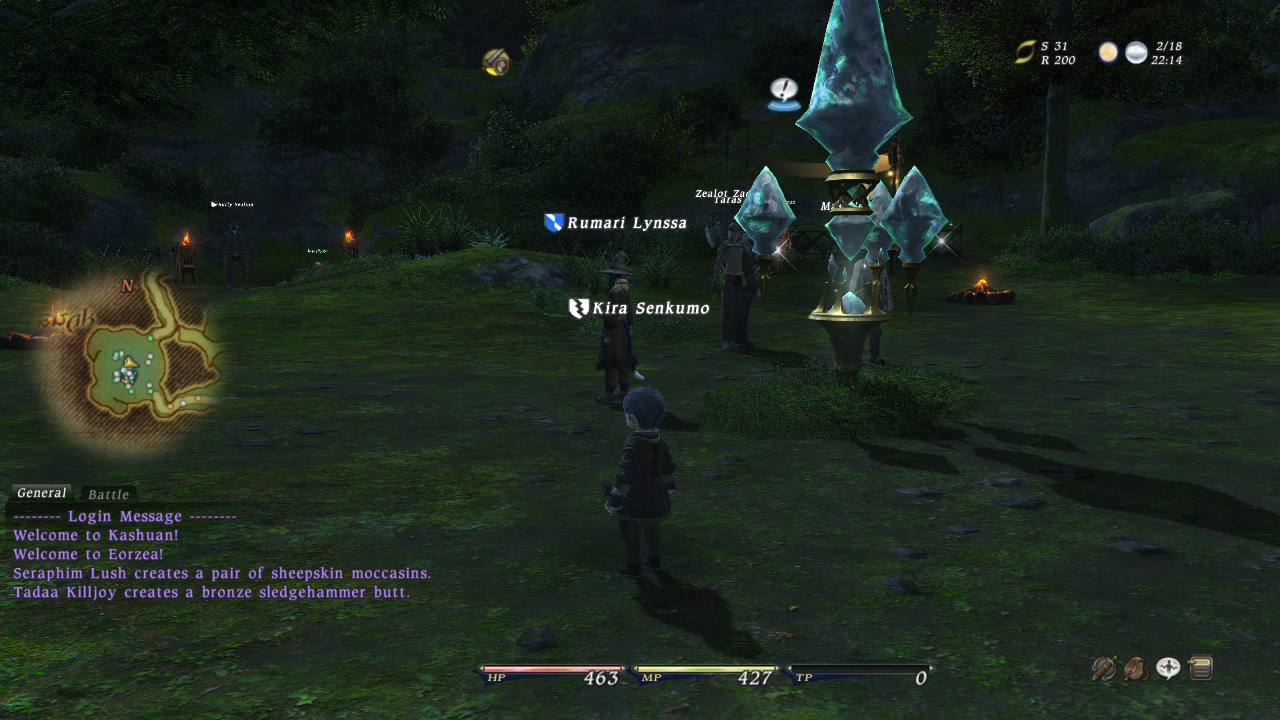
Image

Buffer: Double Resolution (1280x720)
Texture Filtering: Lowest
AO
AA: 4x
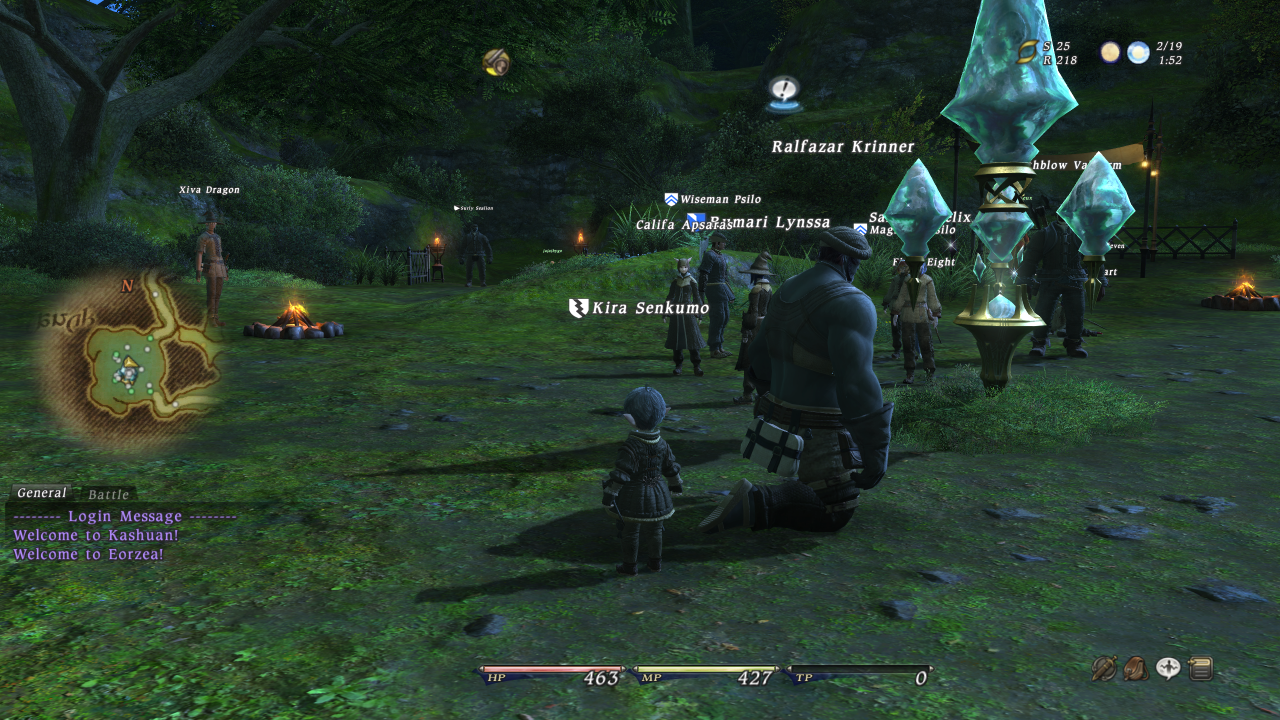
Image

1366x768
Texture Filtering: Lowest
AA-4x
AO
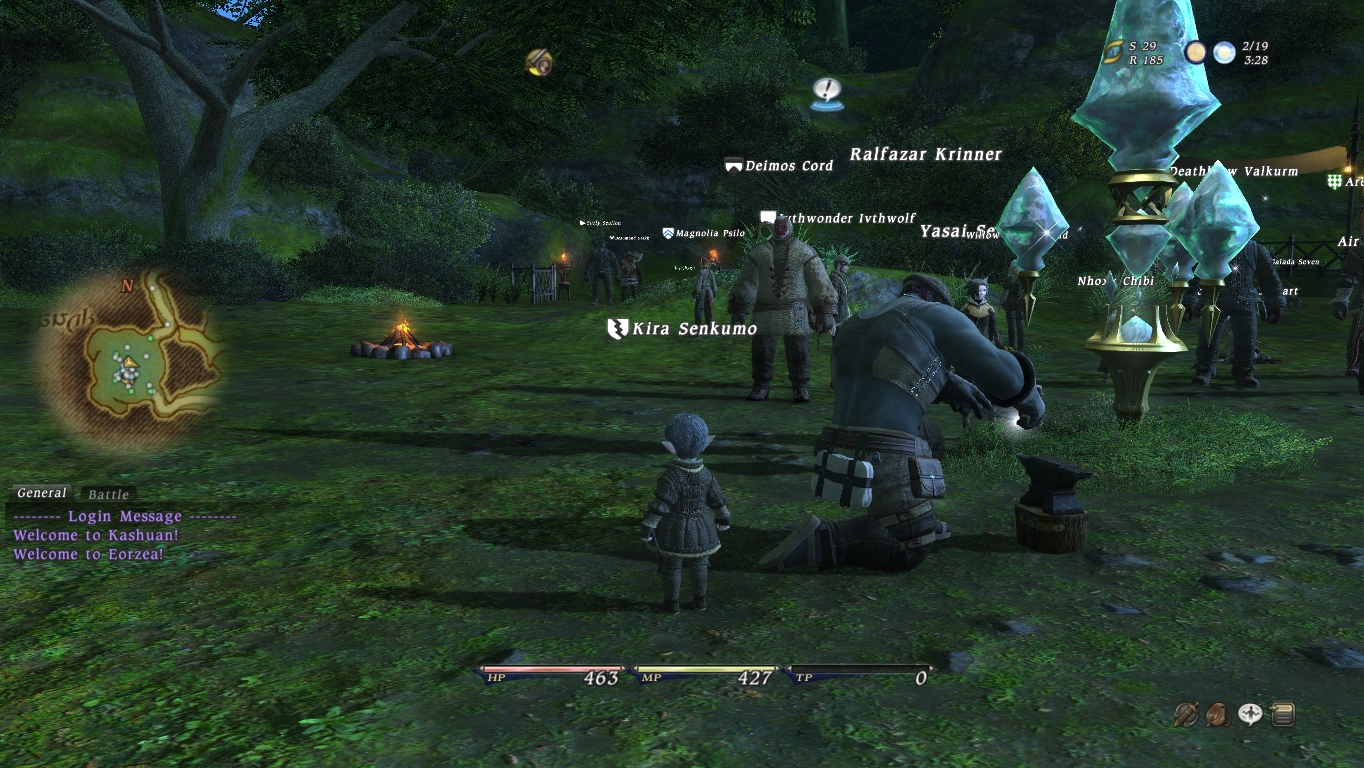
Image

1366x768
Texture Filtering: Highest
AA-4x
AO
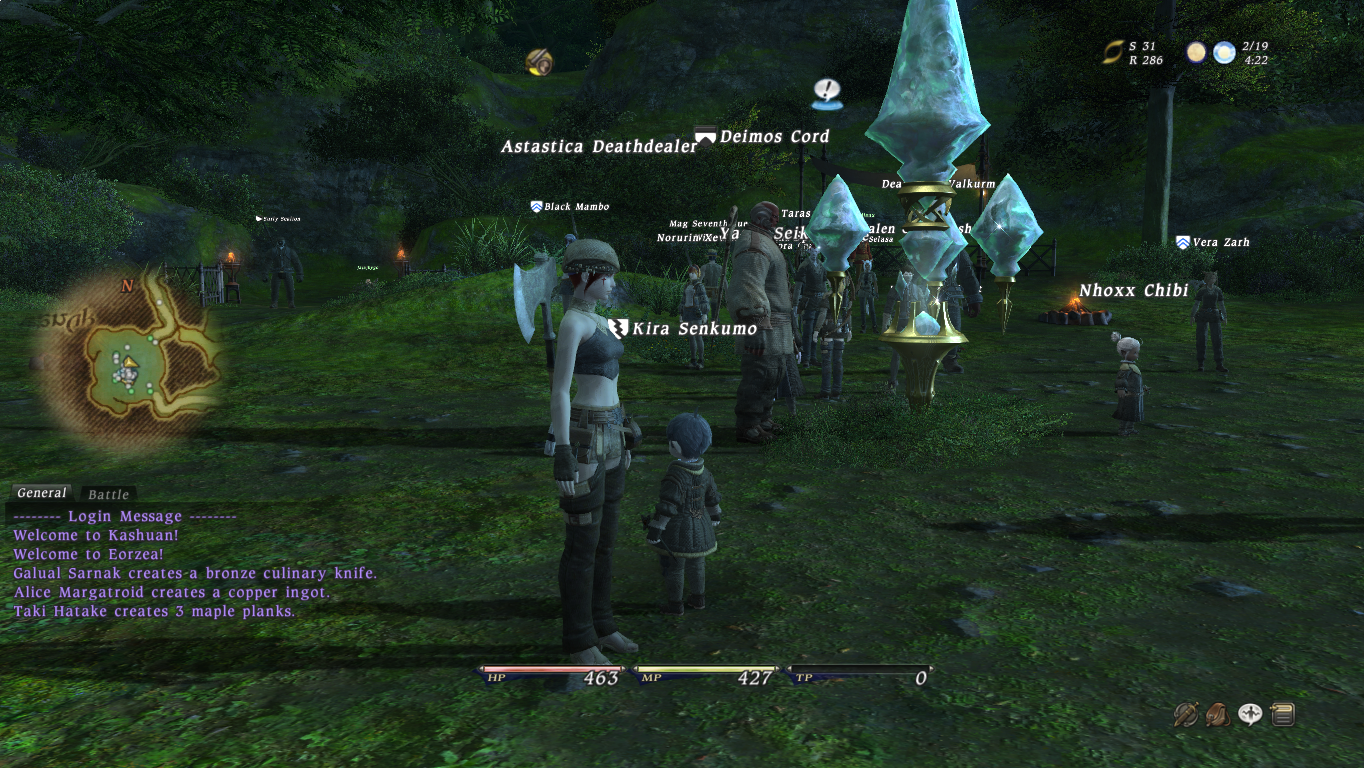
Image

1366x768
Texture Filtering: Highest
AA-X
AO
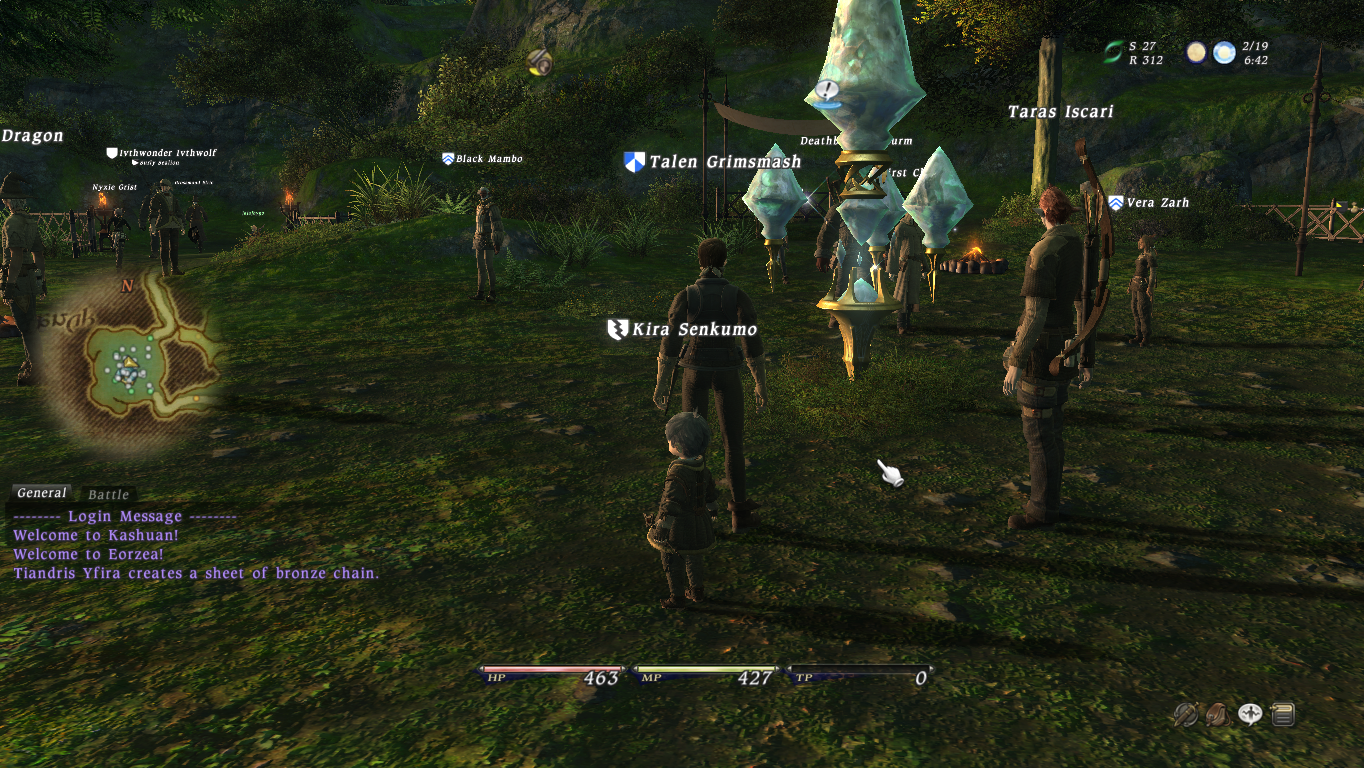
Image
ImageImage
Image

User avatar
Kirakun
Angry Taru
Posts: 5150
Joined: Wed 1969 Dec 31 19:00 EST
Location: New York City

Re: FFXIV Graphics testing (updating)

#2 Post by Kirakun »

Video Settings
Devices: for multi-monitor usage
Display Mode: Windowed | Full Screen - not gonna discuss this
Window Size: various resolutions 3:4 and 19:10
Multisampling: 0x | 2x | 4x | 8x | 8xQ | 16x | 16xQ - anti-aliasing (smoothing of edges)
Buffer Resolution: Resolution | Double | 1/2 | 1/4 | 3/4 | 2/3 - aka background resolution (higher the crispier the image)
Shadow Detail: Lowest | Low | Standard | High | Highest - lowest gives a pixellated shadow, while highest gives a very dark, crisp shadow

Graphics
Ambient Occlusion: aka bump-mapping, adds a more natural shadowing effect over the entire screen - HEAVY FPS usage
Depth of Field: objects farthest viewing distance are "fogged"/blurred - NOT mipmapping. HEAVY FPS usage
Texture Quality: High | Standard | Low - crispness of 2D icons in game (ie) gear icons, stat icons, maps
Texture Filtering: coloring "filtering" of adjacent edges (compare pics 1 and 2 in OP and look at the taru's hair) - almost negligible in fps difference, lowers fps as you increase window size


Improving FPS in ranking:
1. Depth of Field: OFF - tied with #2, but looks crappy so this gets #1
2. Ambient Occlusion: OFF
3. Multisampling: No AA
4. Window Size: Lower
5. Turn off shadows IN-GAME
6. Texture Filtering: LOWEST
7. Buffer Resolution: Lower it, but will start looking badly pixellated when you go lower than "resolution"
ImageImage
Image

Drakkan
Serket Rider
Posts: 300
Joined: Wed 2004 Oct 20 23:55 EDT
Contact:

Re: FFXIV Graphics testing (updating)

#3 Post by Drakkan »

Thanks for the info Kira, I knew what most of those meant, but wasn't sure about Depth of Field and Ambient Occlusion.
Image

Post Reply